All Clinical Data Formats
Open every format clinical and pharmaceutical workflows depend on - from one application.
SAS7BDAT · XPT · Dataset-JSON · Parquet · RData · Excel · CSV
Lightning Fast & Memory-Efficient
Designed for laptops, scaled for production data.
- Most 5 GB SAS files fit in less than 500 MB of RAM
- Sort a 5-million-record file in less than a second
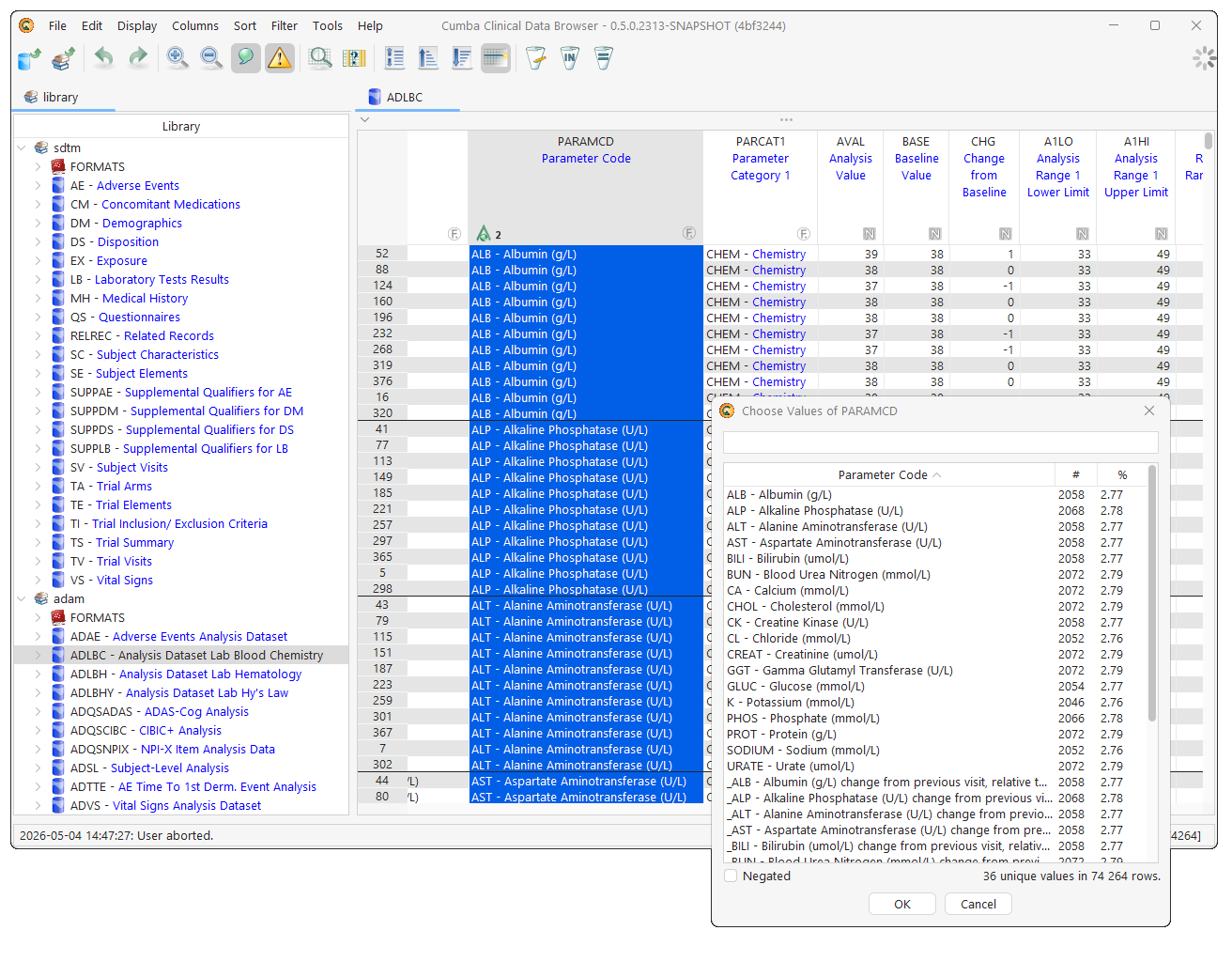
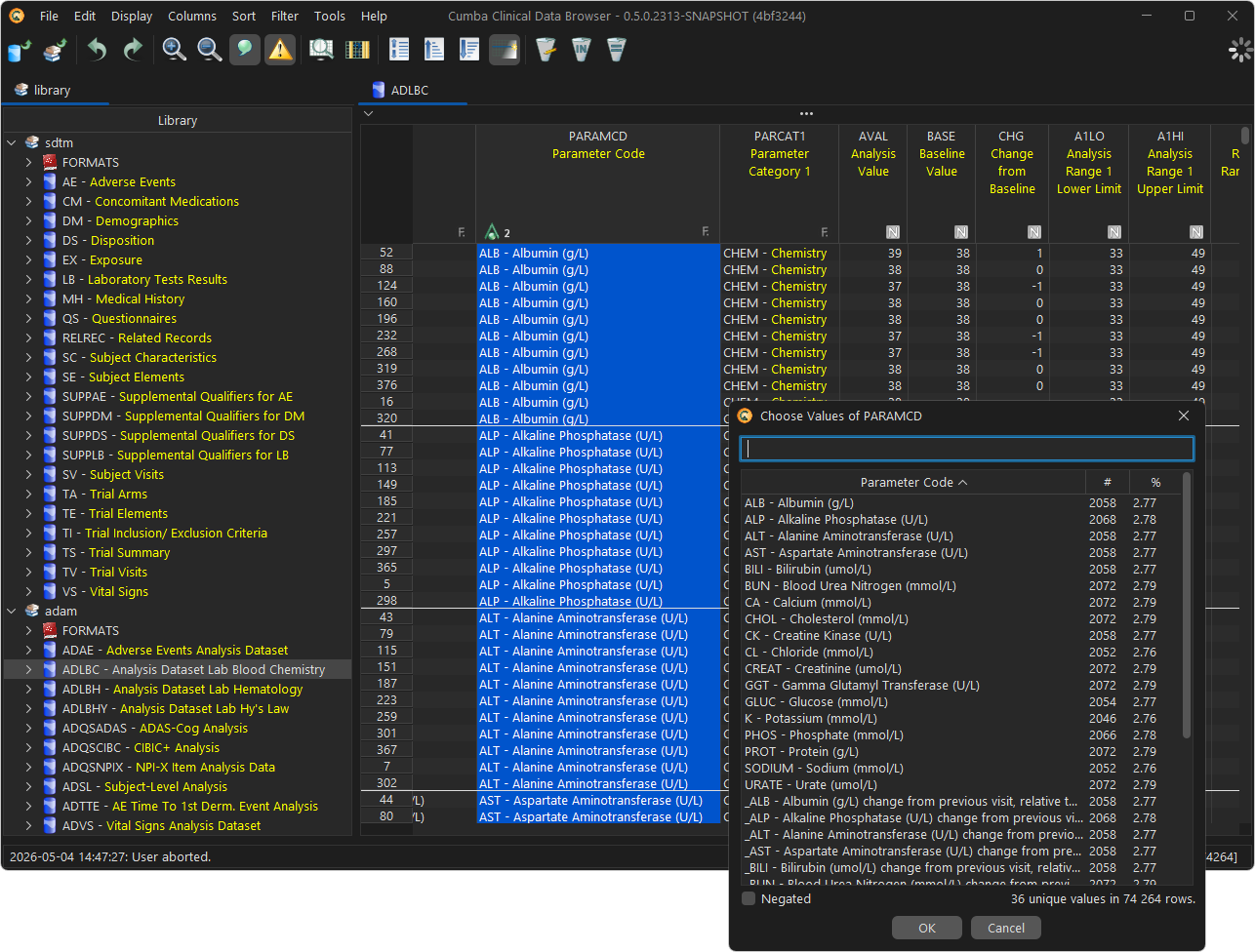
Extensive Filters & Sorting
Slice your data exactly how you need to - and keep the slice.
- Memorize and save filters
- Build filters by picking from existing values
- Filter by CORE or Pinnacle 21 validation findings
Format Overlays
Display SAS-style formats as a value overlay - load them from define.xml, sas7bcat, or a format table.
Smart Number Display
Imprecise floating-point values and SAS missing periods are highlighted on sight.
Find, Reorder & Hide Columns
Effortless column management - even for tables with hundreds of columns.
Full SQL Engine
Run any SQL query against your data - even joining across mixed file formats.
Find Text in Table
Search the entire dataset for a value or pattern, instantly.
Merge Tables
Combine related datasets with first-class CDISC awareness.
- Merge by key variables
- Merge SUPP-- domains into the base dataset
Transpose
Pivot a BDS dataset into one column per TESTCD or PARAMCD.
Statistics
Frequency and descriptive statistics - at a finger tip.
Extended Charts Library
17 chart types, from classic bar charts to waterfall plots.
Data Editor
Modify a dataset and export the changes to a new file - the original stays untouched.
Compare Tables
Easy and fast table comparison - value-by-value, key-aware.
Data Converter & Export
Convert single datasets or entire libraries - and export filtered subsets too.
SAS7BDAT · XPT · Dataset-JSON · Parquet · RData · Excel · CSV
CDISC Define-XML Support
First-class CDISC Define-XML - codelists overlay your data and metadata travels with the dataset.
Define-XML 2.0 / 2.1
CDISC CORE & Pinnacle 21 Integration
Read validation reports from both engines and review issues side-by-side with the data they reference.
AI Agent Integrated
A built-in conversational agent with full remote control of the application - ask it to load, filter, transform, or chart.
Remote Backend
Browse data living on remote servers via SSH or HTTP(S) - data and transformations stay where they are while the experience feels local.
OpenStudyBuilder Integration
See every dataset in your OpenStudyBuilder instance, right inside the viewer.
CDISC Library API
Browse the CDISC Library API and use it as the default source for variable attributes.